 Installation & Licensing Center
ERROR - Sluggish/Choppy Graphics
 Authored by Caleb Scharf
July 3rd, 2026
5 views
0 likes
Authored by Caleb Scharf
July 3rd, 2026
5 views
0 likes
 KB3868605
ERROR
Slow or choppy graphics when moving/rotating a model.
Software & Version
Twin Builder, 2021R1, 2021R2*
*This example was taken from this version, but is not necessarily limited to this version or application.
Description/Cause
Windows does not use the discrete GPU when necessary/optimal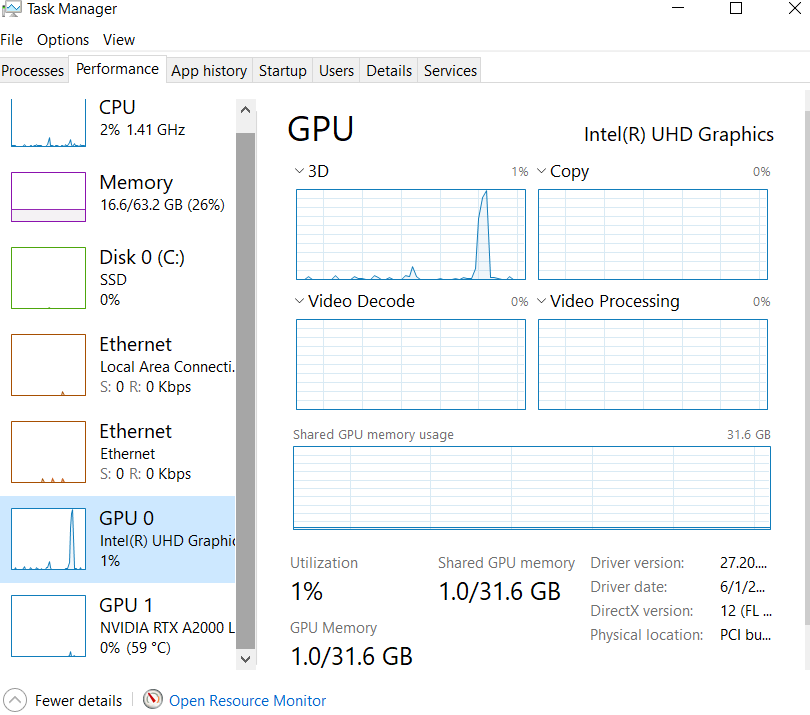
Solutions
The solutions below are based on laptop with Intel UHD integrated graphics and an NVIDIA discrete GPU. Procedures may vary depending on manufacturer and hardware configuration.
***Always ensure that your GPU drivers are up to date***
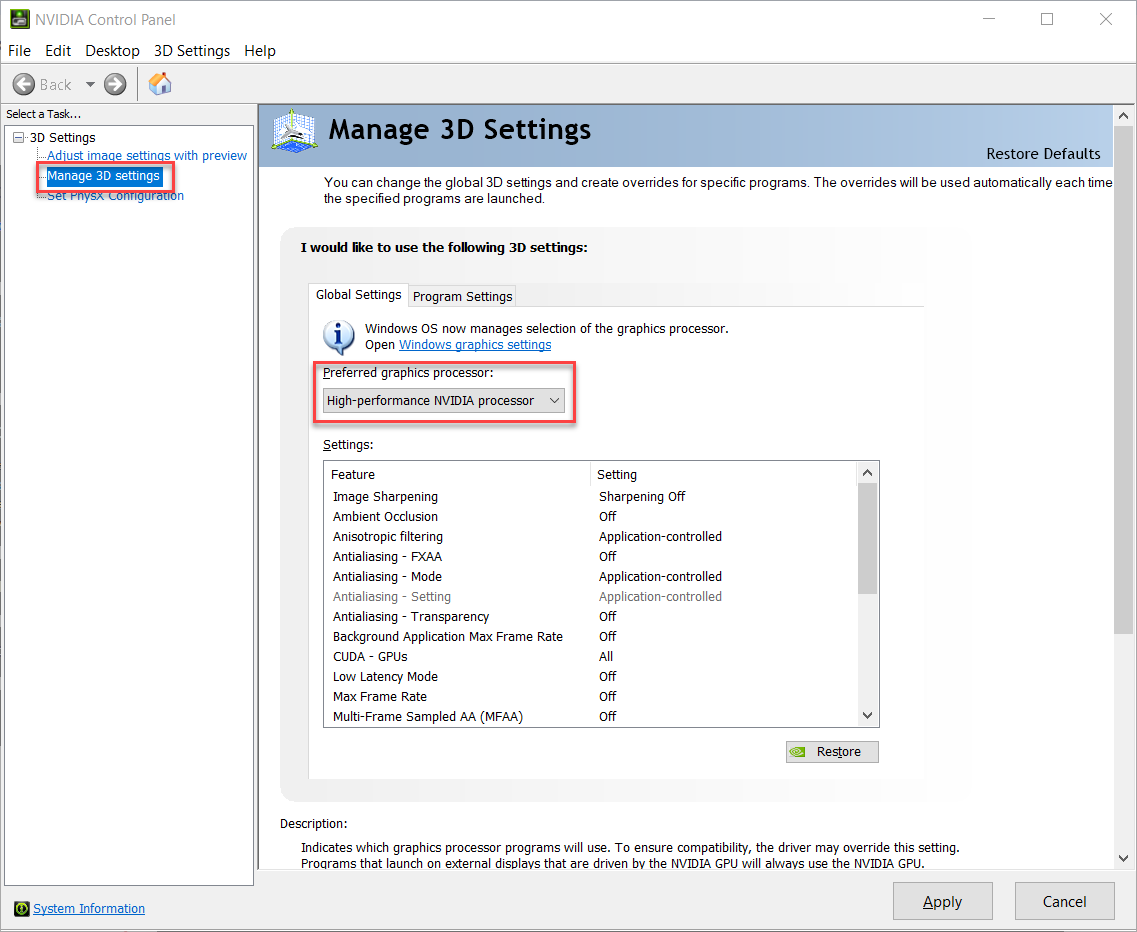
Option 1 - Specify a preferred GPU
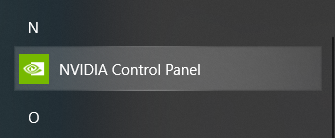
Locate the GPU manufacturer's control application in the Start Menu

Select Manage 3D settings, set the discrete GPU to preferred
Option 2 - Assign GPU on a per application basis
Locate the GPU manufacturer's control application in the Start Menu
Select Manage 3D settings from the GPU's Control Panel, then Program Settings. Here you can assign on a per application basis to a specific GPU

Option 3 - Disable integrated graphics(not recommended)
Warning
Windows search > Device Manager

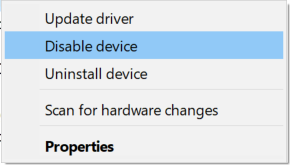
Right mouse click the integrated graphics device, in this case "Inter(R) UHD Graphics" and select Disable
Option 4 - Disable integrated graphics in BIOS (not recommended)
Warning
Panel content

